We use cookies 🍪
We use cookies and other similar technologies to improve your browsing experience and the functionality of our site. Learn more in our Privacy Policy.

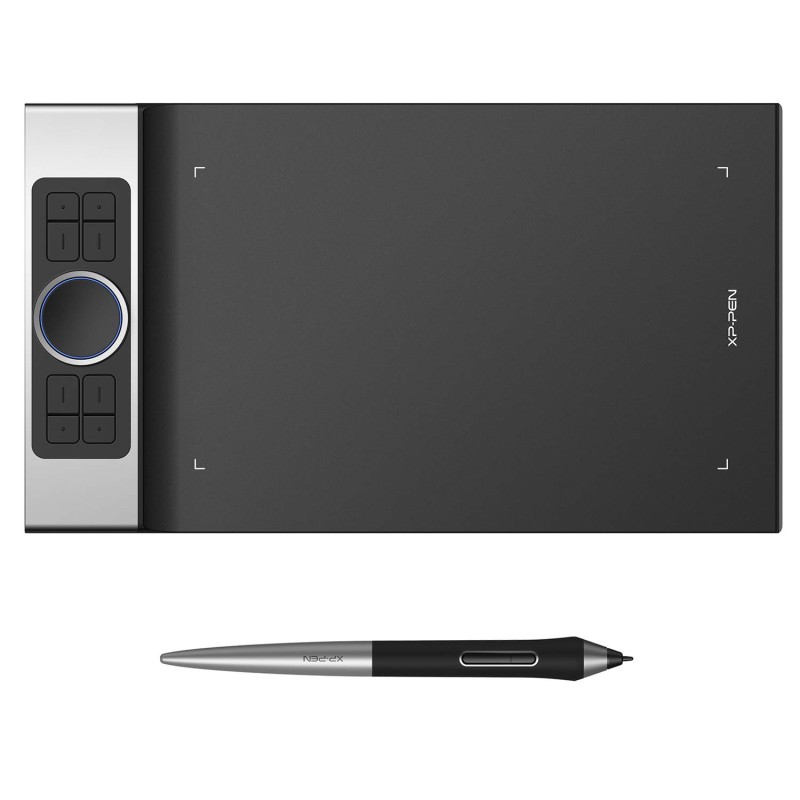
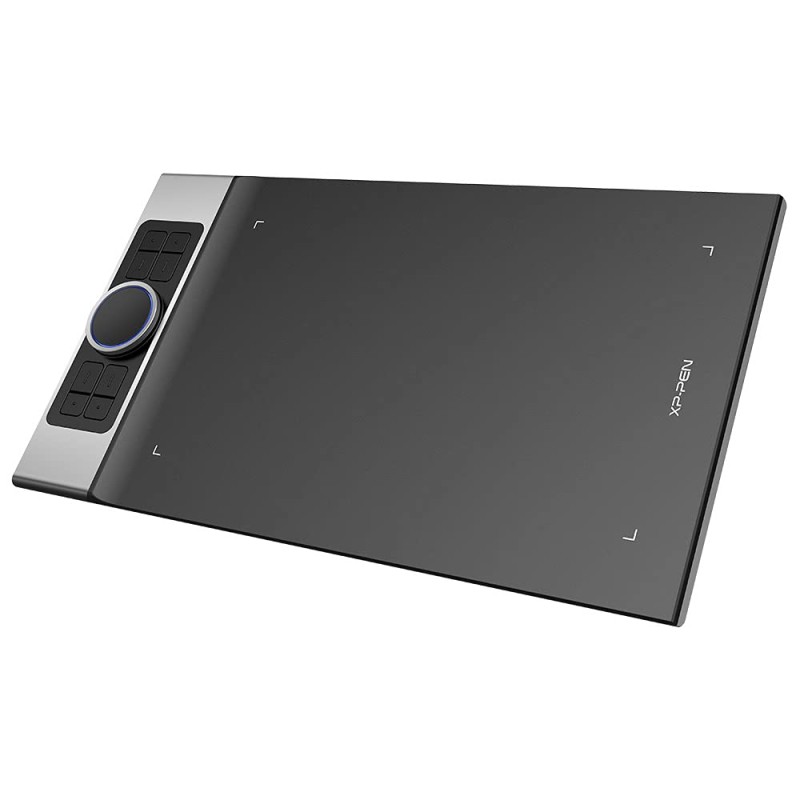
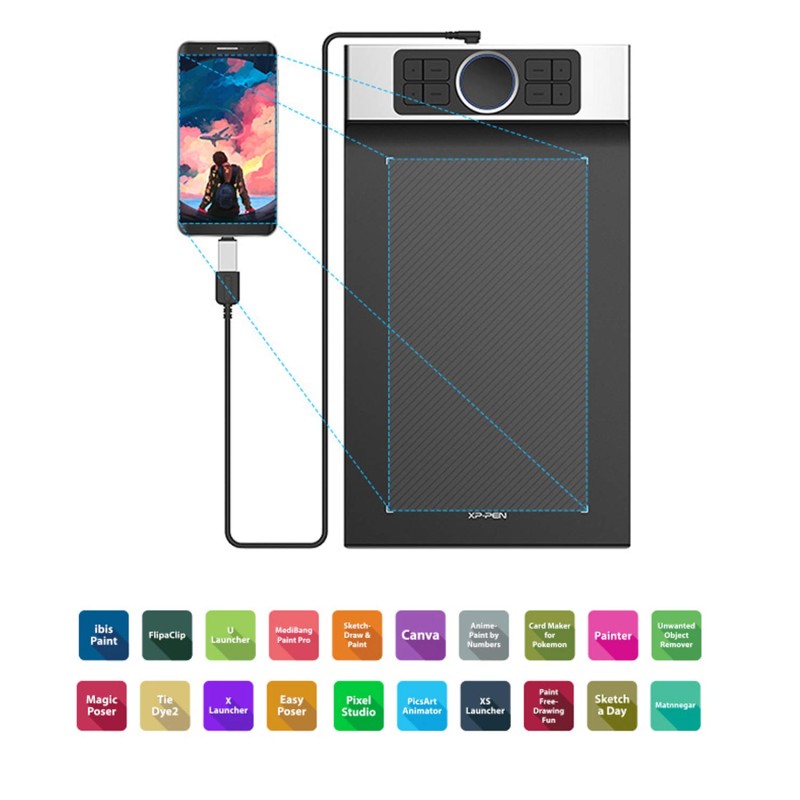
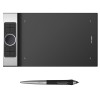
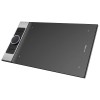
Xp-Pen Deco Pro Medium Graphics Drawing Tablet (11X6 Active Area, 8192 Levels of Pressure Sensitivity, Android Support, Ultrathin Pen Tablet Tilt Function, 8 Shortcut Keys & Drawing Glove) Black

Xp-Pen Deco Pro Medium Graphics Drawing Tablet (11X6 Active Area, 8192 Levels of Pressure Sensitivity, Android Support, Ultrathin Pen Tablet Tilt Function, 8 Shortcut Keys & Drawing Glove) Black
New Free Shipping
Xp-Pen Deco Pro Medium Graphics Drawing Tablet (11X6 Active Area, 8192 Levels of Pressure Sensitivity, Android Support, Ultrathin Pen Tablet Tilt Function, 8 Shortcut Keys & Drawing Glove) Black
from Save -47%
₹7,999.00
₹14,999.00
Ex Tax: ₹7,999.00
  • Stock: In Stock
  • Brand: XP-PEN
  • Model: DecoPro
  • Weight: 1.80g
  • Dimensions: 40.00cm x 23.00cm x 1.00cm
  • SKU: B07XTKV3WQ
Fast Shipping: Orders dispatch within 0-2 days, delivery in 2–6 days. Easy Returns: 7-day return or replacement.

Description

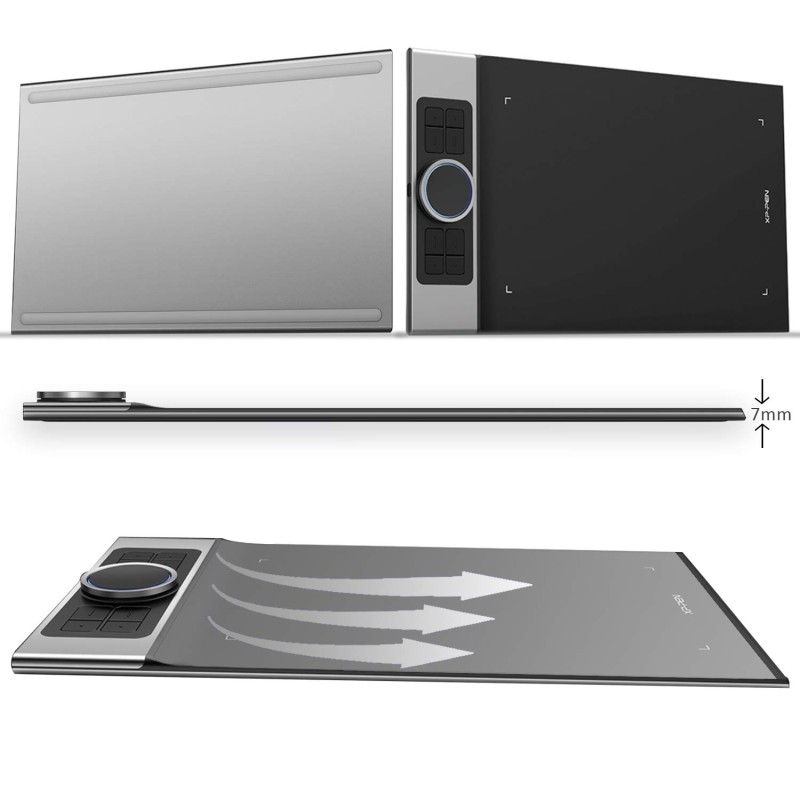
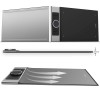
  • ✅ [Award Winning Design]: Made with an aluminum casing for durability, and featuring a curved sheet tablet as slim as 7mm, Deco Pro is the proud winner of 2 international awards for its groundbreaking design. XPPen Deco Pro pen tablets are best-in-class tablets designed for the ultimate professional
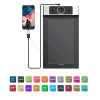
  • ✅ [Large size]: Deco Pro M is a large sized graphic tablet with an active area of 11 x 6 inches. You have more space to get work done - ideal for both digital drawing and digital writing. Features type-C input design, easy to plug in and out.
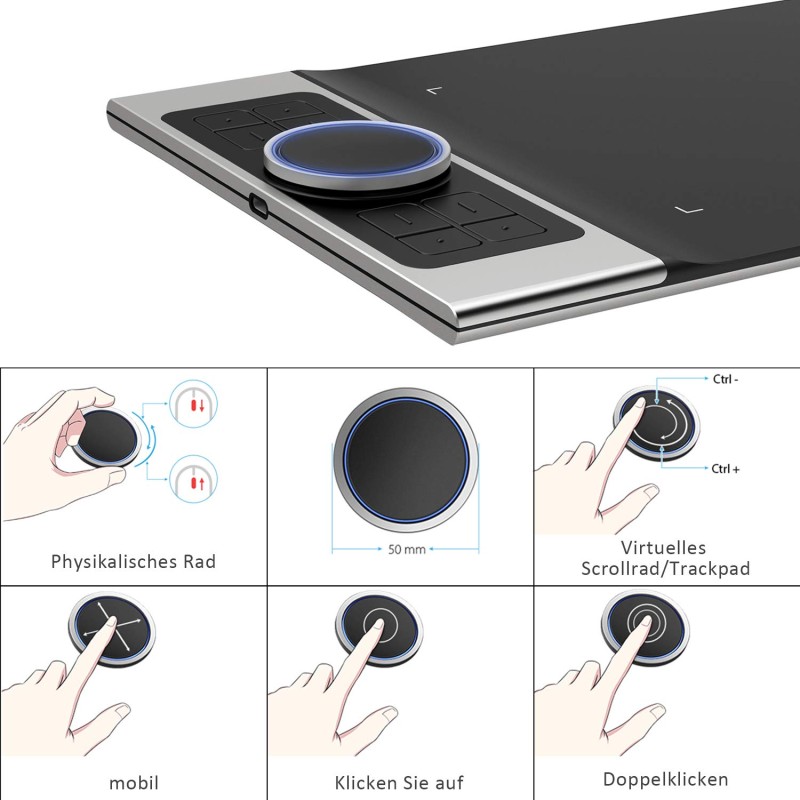
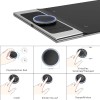
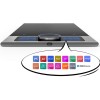
  • ✅ [8 Shortcut keys & 2 Dials]: One-click toggle on stylus, 8 customisable shortcut keys and dual dials on the tablet help improve workflows and increase speed. Map them to different shortcut combinations in different softwares and easily perform your most commonly used functions like switch from pen to eraser, zoom, copy, change brush, undo, redo, etc. Suitable for both left and right hand users.
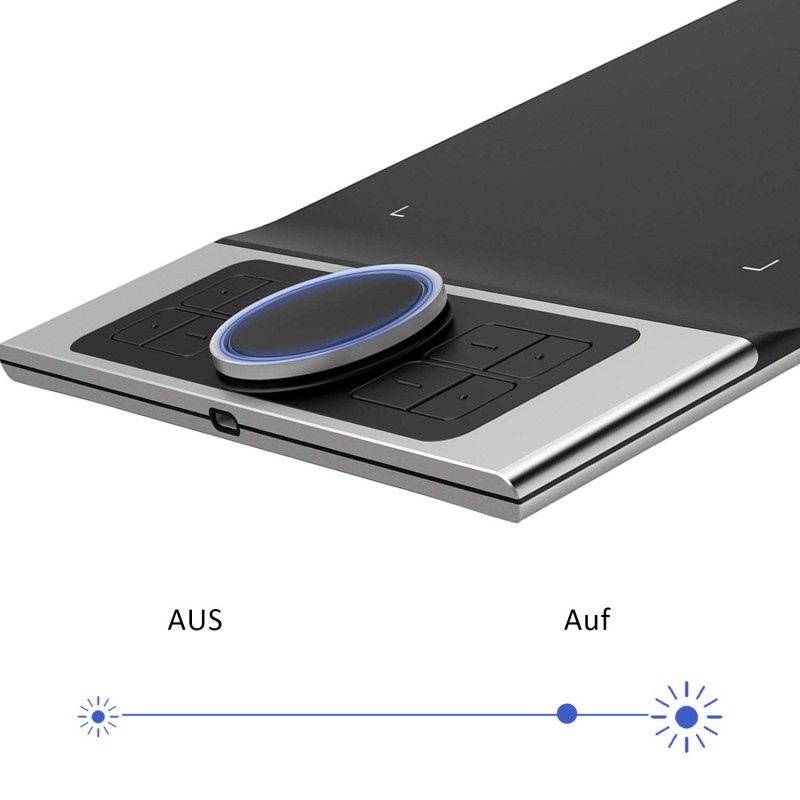
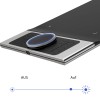
  • ✅ [Dual Dial Efficiency]: The unique double dial design paired with trackpad functionality creates an unmatched drawing experience. You can easily program them to elevate your workflow. The roller wheel also comes equipped with an indicator light and adjustable brightness level, letting you stay immersed in your creation even in dim light.
  • ✅ [Advanced PA1 Stylus]: With its anti-slip design, 8192 levels of pressure sensitivity and 60 degree tilt support, PA1 stylus allows you to express every subtle detail. It is also equipped with automatic line correction and intelligent anti-shake function to create the best drawing experience.
  • ✅ [Battery-free technology]: PA1 stylus is battery-free and does not require charging ever, allowing uninterrupted usage while delivering a natural pen experience. Also, no batteries means no clumsy wires and a greener choice.
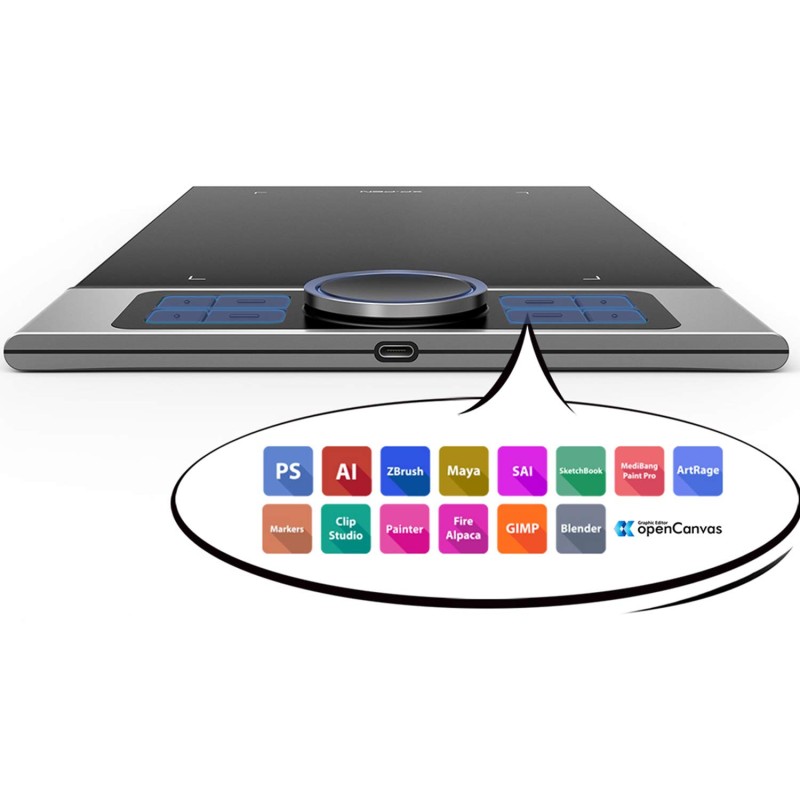
  • ✅ [Supports All Softwares]: XPPen drawing tablets are software neutral, meaning they work seamlessly with ALL commonly used design softwares including AdobeCC, Krita, Corel, Clip studio, Blender, etc.
›

Reviews

Write a review

Note: HTML is not translated!
Rating
Bad Good