- Stock: In Stock
- Brand: XP-PEN
- Model: DecoPro
- Weight: 1.80g
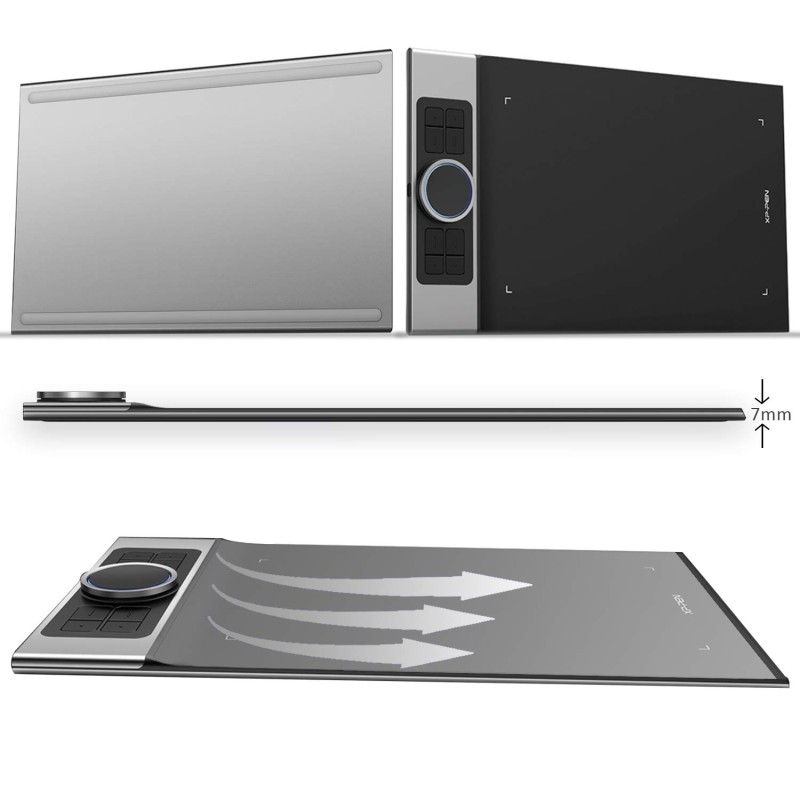
- Dimensions: 40.00cm x 23.00cm x 1.00cm
- SKU: B07XTKV3WQ
Description
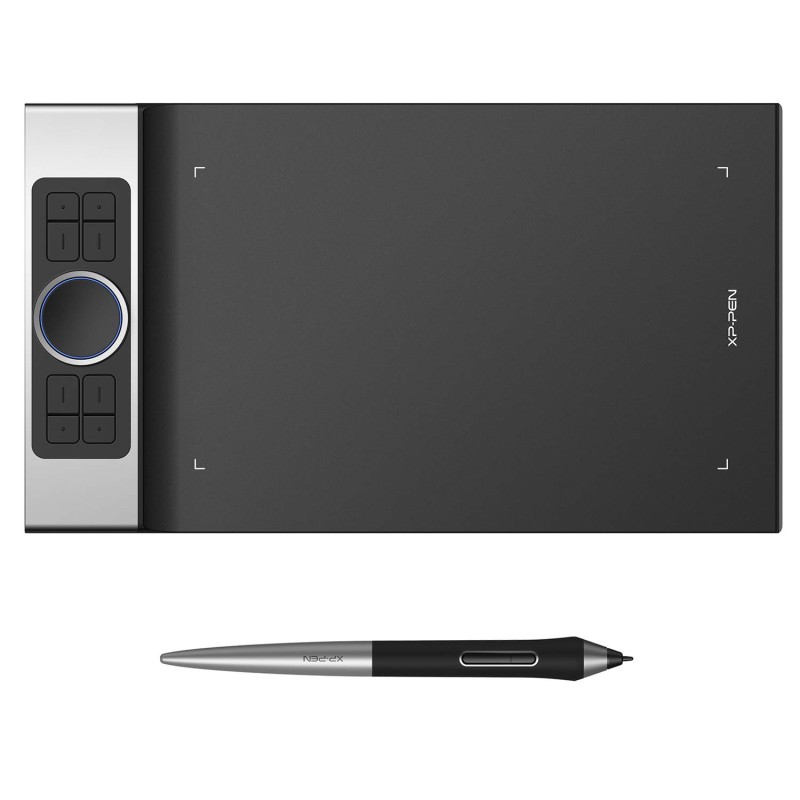
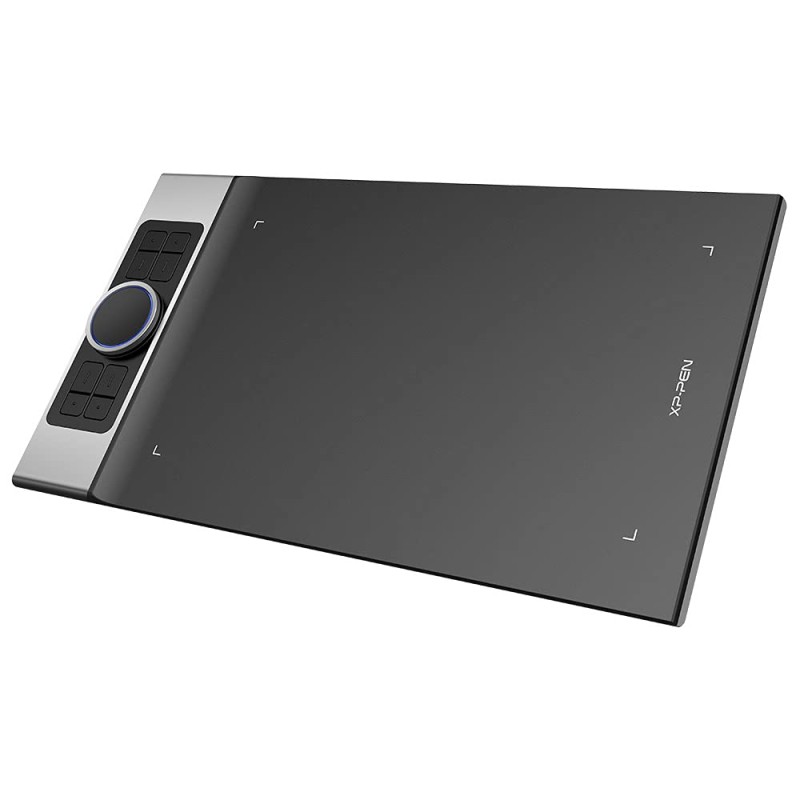
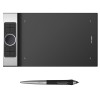
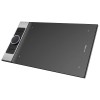
xp-pen deco pro medium graphics drawing tablet — black
the xp-pen deco pro medium solves the frustration of limited precision and sluggish workflow by delivering studio-grade control in a sleek, portable package. with an 11 x 6 inch active area, 8192 levels of pressure sensitivity and natural tilt support, it gives illustrators, designers and content creators buttery-smooth strokes, faster iteration and more expressive line control. enjoy peace of mind with a 1-year manufacturer warranty plus dedicated customer support and secure delivery — trusted service, authentic products and expert onboarding to get you drawing confidently from day one.
top features
- 8192 pressure levels — ultra-responsive stroke dynamics for subtle shading and precise lines.
- 11 x 6 inch active area — roomy canvas for comfortable drawing without taking up your desk.
- tilt support — natural brush/pen angles for realistic strokes and textured brushes.
- battery-free stylus — uninterrupted drawing with a lightweight, balanced pen feel.
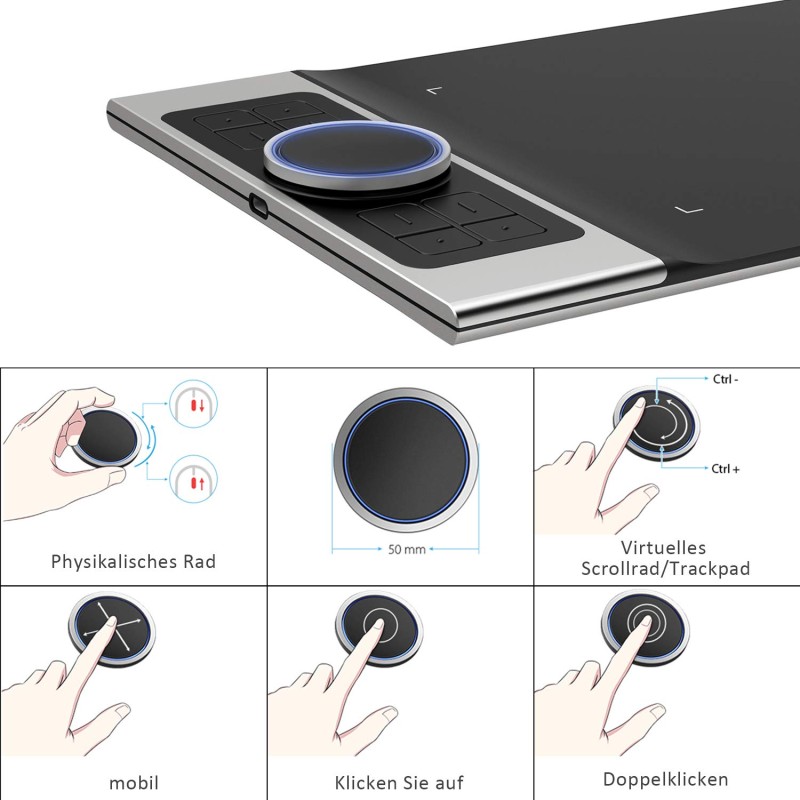
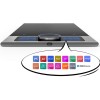
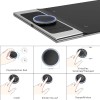
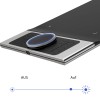
- 8 programmable shortcut keys — speed up your workflow with one-touch actions and macros.
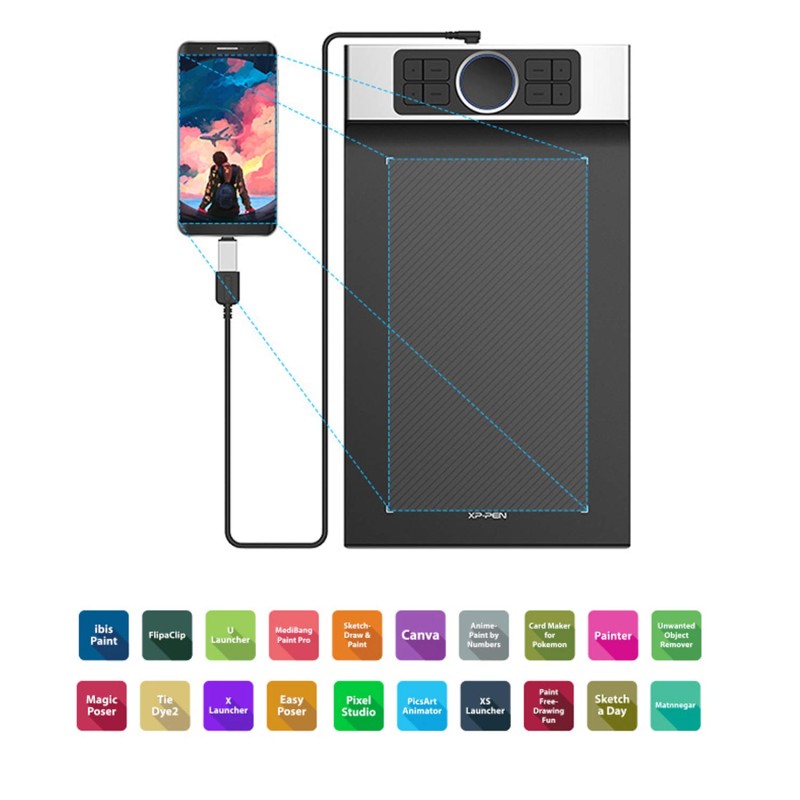
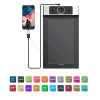
- android support via otg — sketch on the go with compatible phones and tablets.
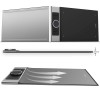
- solid metal-accent build — durable, premium feel that resists daily wear.
- high resolution performance — crisp tracking and fast response for fluid lines and edits.
- included drawing glove — reduces friction for smoother hand movement and cleaner screens.
- compact & portable — fits comfortably in backpacks for remote work and study sessions.
technical specifications
| specification | details |
|---|---|
| model | xp-pen deco pro medium |
| brand | xp-pen |
| active area | 11 x 6 inches (approx.) |
| pressure sensitivity | 8192 levels |
| tilt function | yes — natural pen tilt support for angled strokes |
| shortcut keys | 8 programmable physical keys |
| pen type | battery-free stylus (no charging required) |
| resolution | high resolution tracking (5000+ lpi class) |
| connectivity | usb-c wired; android otg support |
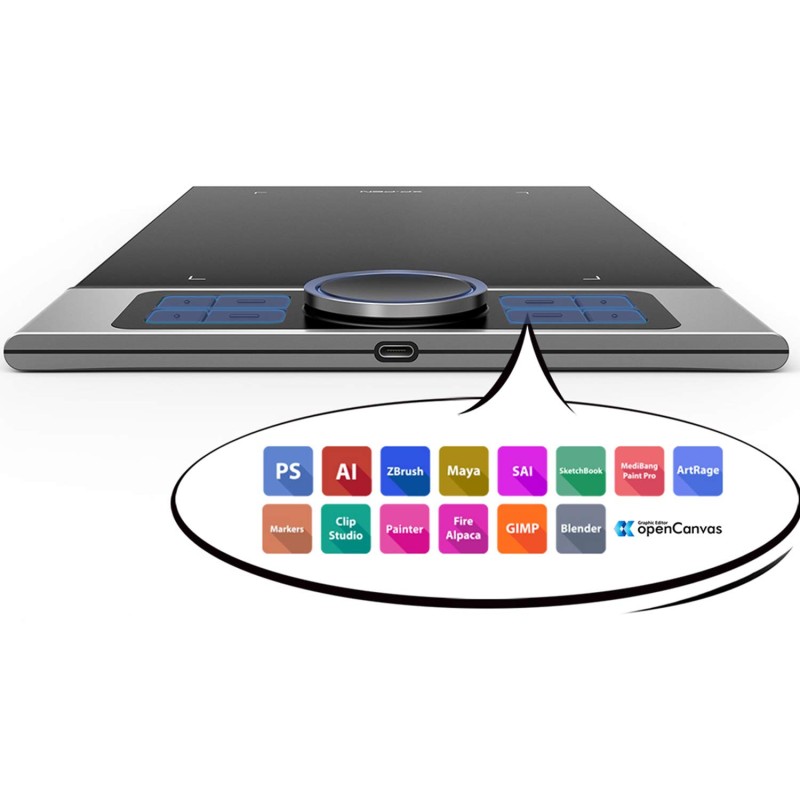
| compatibility | windows, macos, android (check device-specific driver and otg compatibility) |
| materials / build | durable plastic with metal accents — premium finish |
| box contents | tablet, battery-free pen, extra nibs, usb-c cable, pen holder, drawing glove, quick guide |
| warranty | 1-year manufacturer warranty + support |
| colour | black |
| country of origin | china |
why buy from ?
- genuine products guaranteed — we source directly from authorised distributors.
- secure checkout and fast, trackable delivery across india.
- hassle-free returns and local warranty support through customer care.
- expert setup help and tips to get you creating quickly.
- trusted by thousands of indian artists and professionals for value and reliability.
who should buy this?
- digital illustrators and concept artists who need precision and expressive control.
- graphic designers and photo editors who want fast shortcuts and fine brush control.
- animators and storyboard artists requiring responsive pen tilt and smooth tracking.
- students and hobbyists seeking professional-grade features at a compact size.
- mobile creators who want android compatibility for sketching on the go.
smart faqs
1. is the pen rechargeable?
the included stylus is battery-free and does not require charging, so you can draw continuously without downtime.
2. will this tablet work with photoshop, illustrator, or clip studio paint?
yes. the deco pro medium is compatible with major creative applications. install the latest xp-pen drivers from the official site for full pressure and shortcut key support.
3. can i use it with my android phone or tablet?
yes—android devices that support otg input can connect to the tablet. check your device’s otg capability and install the appropriate driver or app.
4. how do i customise the shortcut keys?
download and install the xp-pen driver, open the tablet settings, and map each of the 8 buttons to your preferred shortcuts or macros for apps like photoshop and illustrator.
5. what warranty and after-sales support does provide?
the tablet comes with a 1-year manufacturer warranty. offers local support for warranty claims, easy returns and helpful onboarding to resolve setup issues quickly.
6. is there a difference between medium and other sizes?
the medium balances desk space and drawing area—larger than compact tablets for better control, but smaller and more portable than extra-large models. choose based on your workspace and stroke preference.