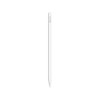
Apple Pencil Pro: Advanced Tools, Pixel-Perfect Precision, tilt and Pressure Sensitivity; and Industry-Leading Low Latency

Apple Pencil Pro: Advanced Tools, Pixel-Perfect Precision, tilt and Pressure Sensitivity; and Industry-Leading Low Latency
Free Shipping
Apple Pencil Pro: Advanced Tools, Pixel-Perfect Precision, tilt and Pressure Sensitivity; and Industry-Leading Low Latency
₹8,999.00
₹11,900.00
Ex Tax: ₹8,999.00
  • Stock: In Stock
  • Brand: Apple
  • Model: MX2D3ZM/A
  • SKU: B0D3J7CKFR
Sold & Fulfilled by ElectroConnect
7 Days Easy Return
Delivered within 2–7 days

Description

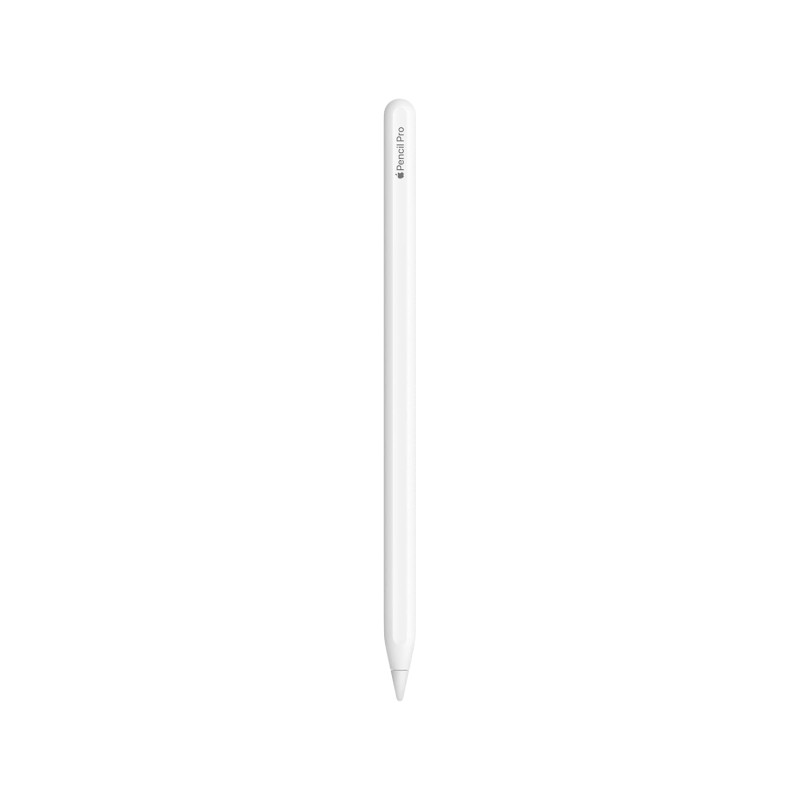
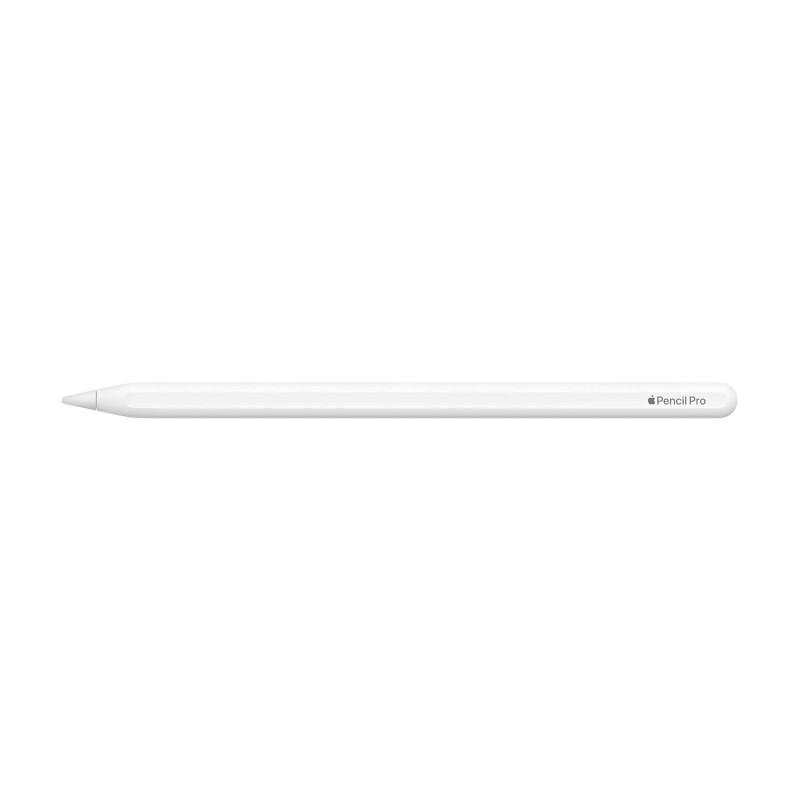
Apple Pencil Pro stylus MX2D3ZM/A is a new creative tool with pixel-perfect precision, tilt and pressure sensitivity, and low latency. It pairs and charges magnetically with listed iPad Pro and iPad Air models. Squeeze and barrel-roll gestures, haptics, and Find My support creative work and locating the pencil.

Key Highlights

  • Pixel-perfect precision with tilt and pressure sensitivity
  • Squeeze and barrel-roll gestures
  • Haptic feedback for supported actions
  • Magnetic attachment, pairing, and charging
  • Apple Pencil hover on listed iPad models
  • Find My support for locating the pencil

Product Overview

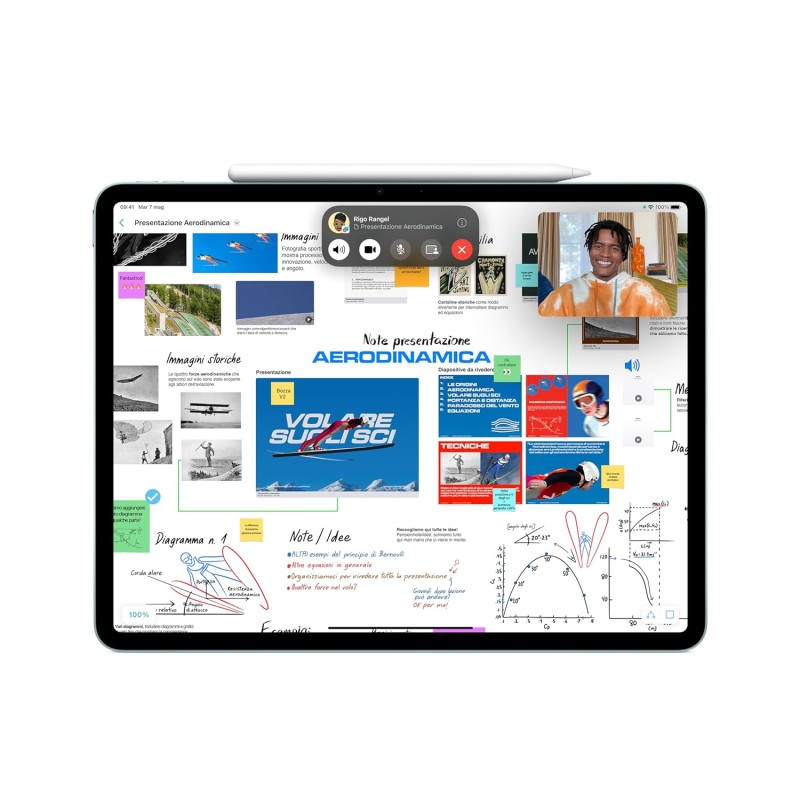
Apple Pencil Pro is a stylus for drawing, sketching, colouring, taking notes, and marking up documents on compatible iPads. Its pixel-perfect precision, tilt and pressure sensitivity, and low latency support detailed creative work. Squeeze and barrel-roll gestures let users access tools and change brushes, while haptics provide feedback as shapes snap into place.

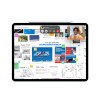
The pencil attaches magnetically for pairing and charging. Apple Pencil hover lets users preview a mark before making it on the specified iPad Pro and iPad Air models. Find My can help locate the pencil. It works with the listed 13-inch and 11-inch iPad Pro (M4) and iPad Air (M2) models, and can be used with built-in Notes and Freeform apps.

Features and Benefits

  • Precision – Pixel-perfect control for drawing and writing
  • Sensitivity – Supports tilt and pressure
  • Gestures – Squeeze and barrel roll access tools and change brushes
  • Haptics – Provides feedback for actions such as shapes snapping into place
  • Magnetic connection – Attaches, pairs, and charges magnetically
  • Hover – Preview marks on specified iPad Pro and iPad Air models
  • Find My – Helps locate Apple Pencil Pro
  • Uses – Draw, sketch, colour, take notes, and mark up documents

Technical Specifications

SpecificationDetails
BrandApple
ModelMX2D3ZM/A
Product TypeStylus
PrecisionPixel-perfect precision
SensitivityTilt and pressure sensitivity
LatencyLow latency
GesturesSqueeze and barrel roll
HapticsSupported
AttachmentMagnetic
PairingWireless, magnetic
ChargingMagnetic
HoverSupported on iPad Pro and iPad Air (M2)
Find MySupported
Compatible iPad Pro13-inch (M4); 11-inch (M4)
Compatible iPad Air13-inch (M2); 11-inch (M2)
Country of OriginChina

Who Should Buy This?

  • Digital artists – Tilt and pressure sensitivity support drawing and sketching.
  • Note-takers – The pencil can be used to take notes on compatible iPads.
  • Document reviewers – It can mark up documents.
  • Creative users – Squeeze and barrel-roll gestures provide access to tools and brush changes.

Compatibility

  • iPad Pro 13-inch (M4)
  • iPad Pro 11-inch (M4)
  • iPad Air 13-inch (M2)
  • iPad Air 11-inch (M2)

How to Set Up

  1. Attach Apple Pencil Pro magnetically to a compatible iPad for pairing and charging.

Pros and Limitations

Pros

  • Tilt and pressure sensitivity are supported.
  • Magnetic attachment supports wireless pairing and charging.
  • Squeeze and barrel-roll gestures provide tool access.
  • Find My support can help locate the pencil.

Limitations

  • Compatibility is specified for the listed iPad Pro (M4) and iPad Air (M2) models.

Frequently Asked Questions

Which iPads are compatible with Apple Pencil Pro?

It works with iPad Pro 13-inch (M4), iPad Pro 11-inch (M4), iPad Air 13-inch (M2), and iPad Air 11-inch (M2). These are the models specified for compatibility.

How does Apple Pencil Pro pair and charge?

It attaches magnetically for wireless pairing and charging. The source does not specify a separate cable or charging method.

Does Apple Pencil Pro support pressure and tilt?

Yes, it supports both pressure and tilt sensitivity. It also offers pixel-perfect precision and low latency.

What gestures can I use with Apple Pencil Pro?

Squeeze and barrel-roll gestures can access tools and change brushes. The source does not describe additional gesture controls.

Can I preview a mark before drawing?

Yes, Apple Pencil hover can preview a mark before it is made on iPad Pro and iPad Air (M2). Hover support is specified for those iPad families.

Can Apple Pencil Pro be located if misplaced?

Yes, Find My support is included to help locate Apple Pencil Pro. The source does not provide further details about locating range or requirements.

What can I use Apple Pencil Pro for?

It can be used to draw, sketch, colour, take notes, and mark up documents. The source names Notes and Freeform as built-in apps for use with it.

Where is the Apple Pencil Pro: Advanced Tools made?

The country of origin is China, as stated by the manufacturer. Indian rules require this to be shown for products sold online.

Specifications

Specifications
Country of Origin China

Reviews

Write a review

Please login or register to review